


Source-led route
Valve's Steam Deck compatibility page listed War Thunder as Verified when checked on September 19, 2026. Valve defines Verified as passing all of its compatibility checks, with no configuration work required to reach the game's features. The label does not report a RigCircuit test.
RigCircuit has not tested War Thunder on a Steam Deck. The rating and compatibility criteria below come from Valve. This article reports no frame rate, battery or temperature result.
Section 01
What the badge says
The Valve page for War Thunder[2] states that the game is compatible with Steam Deck and describes it as thoroughly tested. The game is free to play on Steam and is developed by Gaijin Entertainment, according to the War Thunder store page[3].
Valve's documentation for game makers defines the label in plain terms. A Verified game passed all of Valve's compatibility tests, and no configuration work should be needed to reach every feature of the game. The other ratings step down from there. Playable means the game runs but may need manual setup. Unsupported means it does not run on the device. Those definitions come from the Steamworks compatibility documentation[4].
Action plan
What Valve checks before it grants Verified
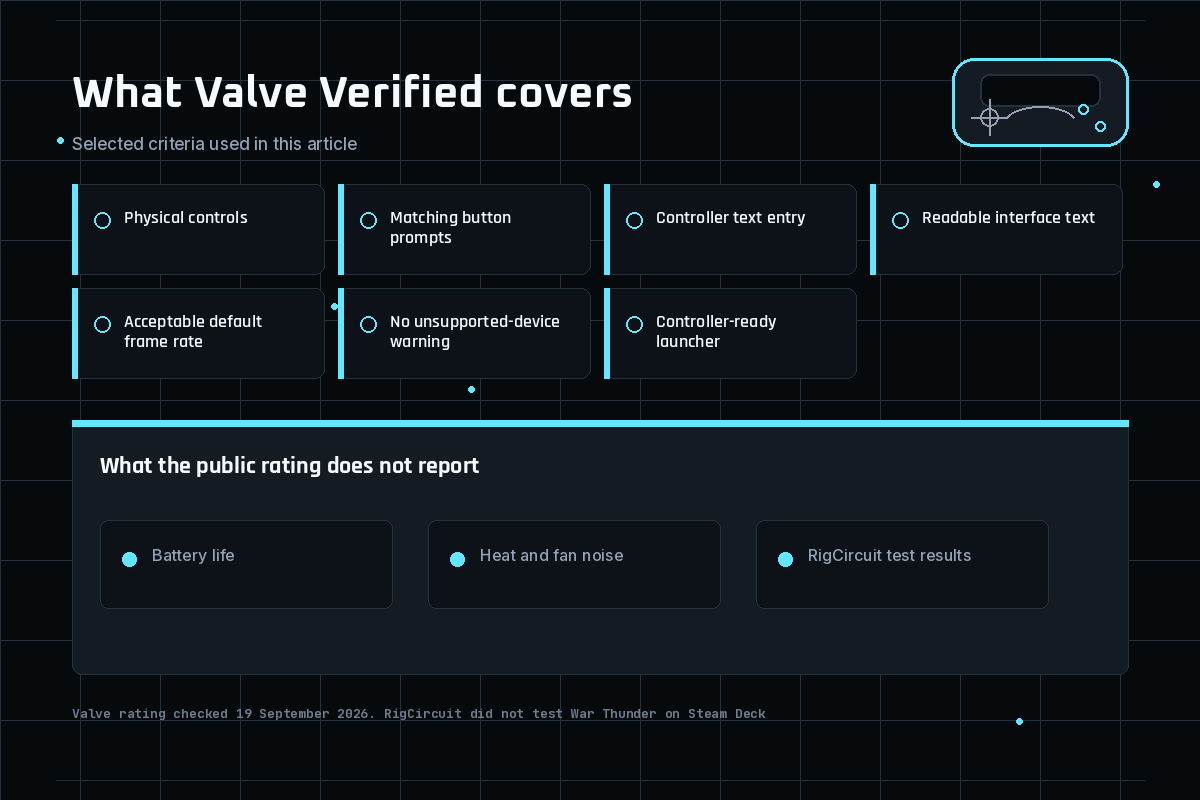
The same documentation lists the criteria for a Verified rating. They cover:
- The game supports the physical controls of the device, and the default controller layout reaches all of the game's content without changing any in-game option.
- On-screen button prompts match the controls in use.
- Text fields either open the on-screen keyboard or offer a built-in way to type with the controller only.
- Interface text is easy to read at a short viewing distance. Valve gives a minimum size of 9 pixels at 1280 by 800 for the smallest text.
- The default settings must deliver an acceptable frame rate. Valve defines that threshold for the handheld as 30 frames per second at 800p.
- The game must not show a warning that the device or its software is unsupported.
- If the game uses a launcher, the launcher must also work fully with a controller.
The 30 fps at 800p figure is Valve's Verified threshold. It is not a measured frame rate for War Thunder. The public compatibility page gives the rating, not a point-by-point performance report for this game.
Section 03
What Verified does not tell you
A rating is a snapshot from Valve, so several practical questions stay open.
- How the game feels in your hands. A controller layout that reaches every function is not necessarily one you find comfortable.
- Battery life, heat and fan noise. Valve's public criteria do not cover these, so no estimate is given.
- Later updates. The rating was read on September 19, 2026. A game update or a new review can change it.
- Other install routes. The rating belongs to the Steam listing. It says nothing about a version installed through another launcher.
- Online play conditions. A Verified label does not describe matchmaking, network quality or other players.
Section 04
How to check the rating yourself
Check the game's Steam Deck compatibility rating on its Steam store page or in your Steam library. Valve says the rating is shown in the storefront and library. If it differs from the September 19, 2026 check recorded here, use the current Valve listing.
Section 05
Related War Thunder PC guides
The rating is the only subject here. Hardware requirements for a Windows PC are in War Thunder PC requirements. If the client is slow after an update on a PC, see War Thunder Steam update checklist. For a safe reset of settings after a bad launch, see War Thunder low FPS safe reset. Those pages describe a PC, not the handheld.
Publication record
Keep the decision trace visible
This route passed its publication checks. Future reviews must reconfirm the source date, game build, media rights and reader action.
- Confirm the source. Recheck the linked primary or authoritative page.
- Confirm the media. Keep the approved WordPress path and rights note attached.
- Confirm the next move. Give the reader a clear action without inventing a test.
Evidence library
Sources checked for this article
This library preserves source titles, publishers and check dates. Original URLs remain in the editorial record.
- Steam Deck and Steam Machine compatibility reviewValve, Steamworks documentation · Checked September 20, 2026Reference on file
- War Thunder is Steam Deck VerifiedValve, Steam · Checked September 19, 2026Reference on file
- War Thunder on SteamValve, Steam store page, developer Gaijin Entertainment · Checked September 19, 2026Reference on file
- Steamworks compatibility documentationExternal sourceReference on file

Keep exploring
Related articles


Read next
Continue with the next route
