


See before you download
PC route and campaign gallery
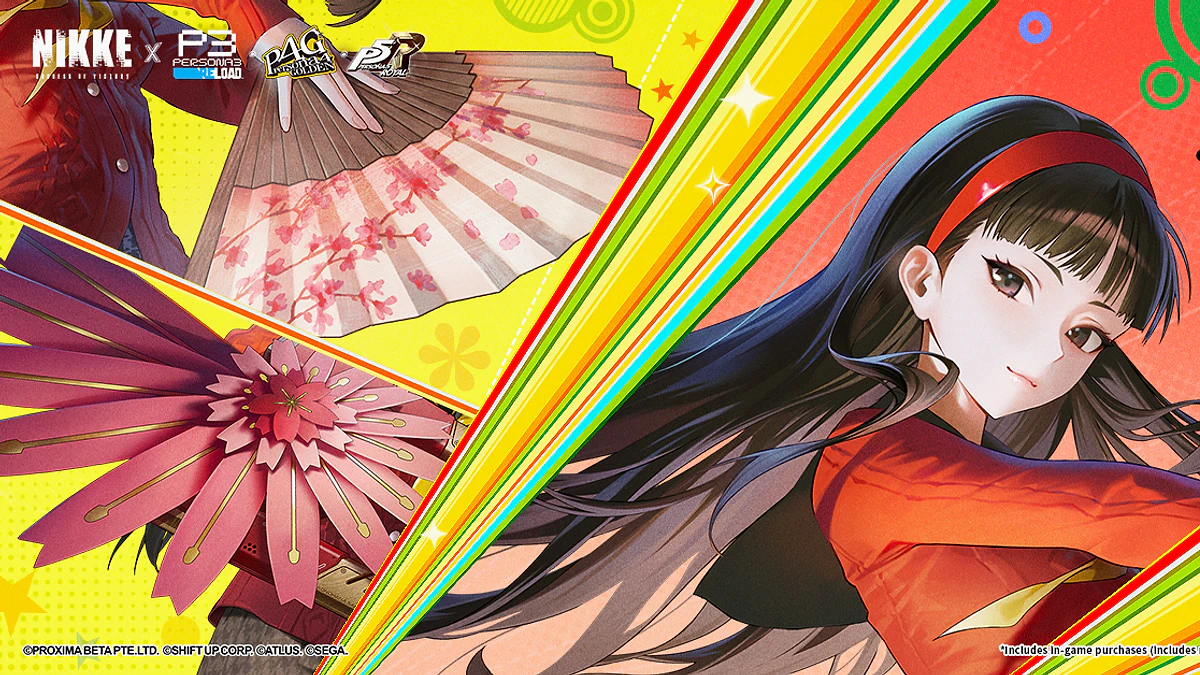
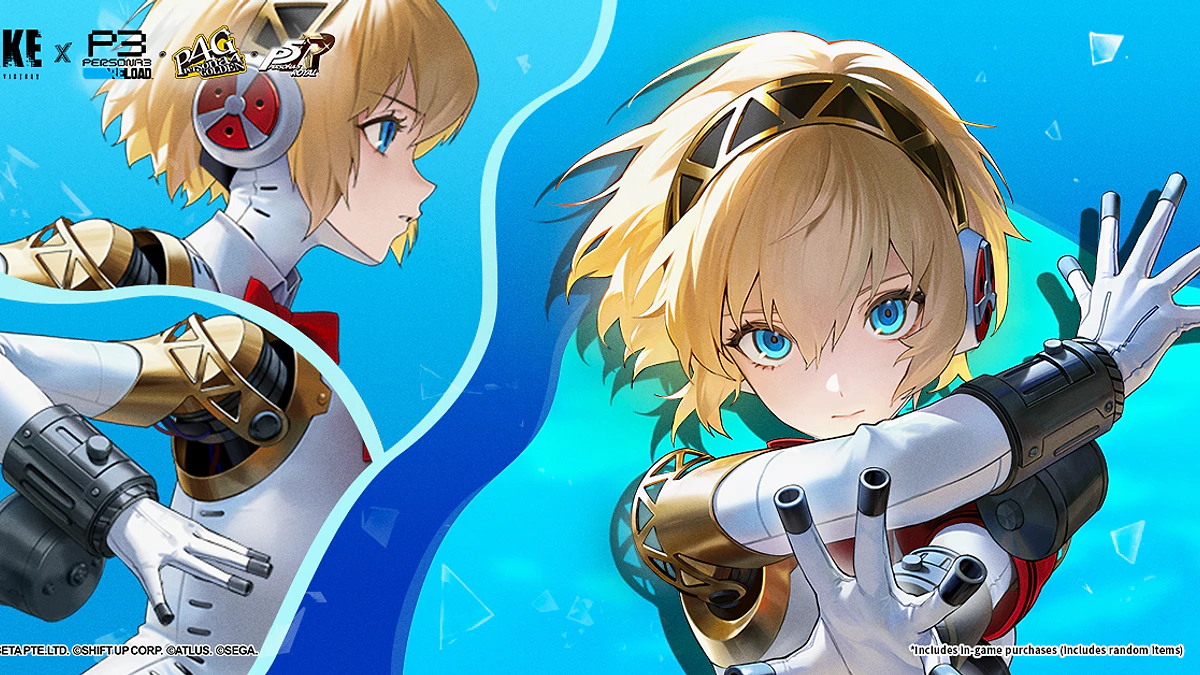
One supplied six second gameplay clip and four supplied campaign artworks. The August 2026 campaign does not establish current event availability
Check before installing
PC requirements at a glance
The official download page and publisher listing establish Windows availability but do not provide enough detail for a full compatibility verdict
Official NIKKE page and publisher listing
Not established by the two sources used here
Read the current prompt on your device
| Check | Current answer | What to do |
|---|---|---|
| Operating system | Windows PC | Confirm the live page still shows the PC client |
| Availability | Check official page | Confirm the current PC route in your country |
| Installer size | Check live prompt | Keep enough free space for the current package |
| Publisher | Level Infinite | Verify the publisher before opening the installer |
Accuracy note: Installer size and hardware requirements can change. Use the values displayed on the day you download.
Shortest checked route
Download guide
Use the official NIKKE page for the live download route. The related RigCircuit hardware article covers compatibility checks
- 01Confirm your region
Check whether the official PC route is available in your country.
- 02Confirm the product
Check that the official NIKKE page identifies the game and Windows PC.
- 03Read the installer
Review the current publisher, filename and prompts instead of relying on an older guide.
- 04Record the route
Keep the date, region and client label shown after installation.
The next guide opens on RigCircuit and covers the related PC check.
In a hurry? The gallery, PC requirements and download guide above contain the essential answer. Keep reading for the evidence, limits and practical checks.
Source-led route
NIKKE has an official Windows download page, and Level Infinite lists PC among the supported platforms. Those two first-party pages establish the route. RigCircuit did not install the current client, so package size, detailed requirements and first-launch behavior remain open checks.
Section 01
How the route was verified
| Check | What the official source shows | What to do |
|---|---|---|
| Download page | NIKKE's official page offers a PC download (source 1) | Use it as the primary route |
| Publisher listing | Level Infinite identifies PC as a platform (source 2) | Use it to confirm the publisher relationship |
| Package details | Neither checked page states the current installer size | Read the live prompt before saving the file |
| Hardware detail | The two pages do not provide a complete Windows specification | Review compatibility on a separate requirements page |


Action plan
Inspect the handoff before downloading
The official download page and the related RigCircuit hardware guide serve different purposes. The official page identifies the current NIKKE PC route. Our PC requirements guide covers the compatibility and installation checks to make before using it.
Read the filename, publisher and permissions on the live installer. Stop if the product identity changes or the page asks you to use an unrelated mobile package.
For the separate Google Play Games route and its requirements, see GODDESS OF VICTORY: NIKKE PC requirements and installation checks. Its findings must not be used as evidence for the direct Windows client's package or prompts.
Section 03
Questions the PC label cannot answer
A PC label says nothing about download duration, frame rate or whether a specific laptop meets the current requirement. Network speed, package size and hardware all affect those answers. Check each one separately instead of treating availability as a performance claim.


Evidence record
Save a clean setup record
- Page, country and date used for the download
- Publisher, filename and package size shown by the installer
- Client version after the first successful launch
- Exact error message if setup fails
This record is enough to reproduce your setup path during troubleshooting. It does not turn the unchecked installation into a RigCircuit test.
Evidence library
Sources checked for this article
This library preserves source titles, publishers and check dates. Original URLs remain in the editorial record.
- GODDESS OF VICTORY: NIKKE official download pageNIKKE Official · Checked October 4, 2026Reference on file
- Goddess of Victory: NIKKELevel Infinite · Checked October 4, 2026Reference on file

Keep exploring
Related articles



Read next
Continue with the next route
