


See before you download
PC route and campaign gallery
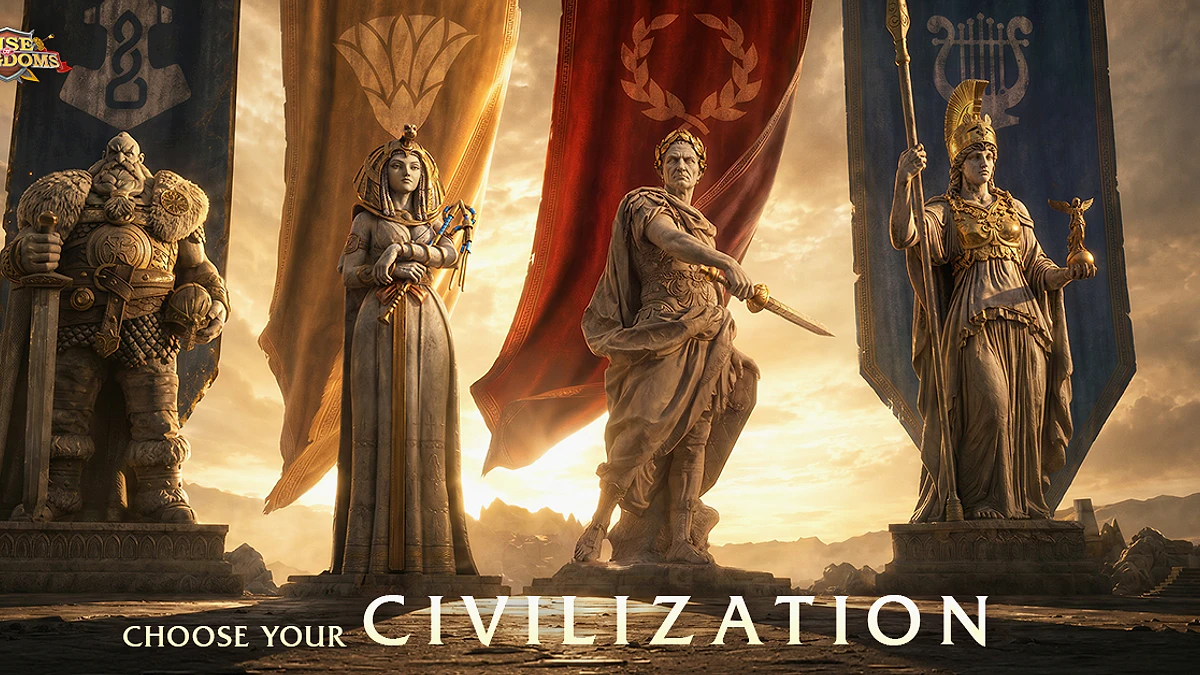
One supplied 15 second gameplay clip and four supplied Rise of Kingdoms artworks
Check before installing
PC requirements at a glance
Lilith and Google Play can lead to different PC distributions. Eligibility and package details must be read on the selected live page
Use the current Lilith instructions
Availability can depend on region and device
No FPS or graphics claim is made here
| Check | Current answer | What to do |
|---|---|---|
| Operating system | Windows PC | Confirm that the selected route supports your device |
| Publisher route | Lilith Games | Use the current publisher instructions |
| Store route | Google Play PC | Check regional and device eligibility |
| Client build | Check live prompt | Record the version shown after installation |
Accuracy note: RigCircuit did not install either client. Account flow, package size and current build remain unchecked.
Shortest checked route
Download guide
Choose a route only after the live page confirms the PC product for your region and device
- 01Choose the route
Start with Lilith or the supplied Google Play PC listing.
- 02Confirm eligibility
Check the game title, publisher, Windows label, region and device support.
- 03Review the prompt
Read the current package size and permissions before installing.
- 04Record the result
Keep the route, product label, date and client version shown after installation.
The next guide opens on RigCircuit and covers the related PC check.
In a hurry? The gallery, PC requirements and download guide above contain the essential answer. Keep reading for the evidence, limits and practical checks.
Source-led route
Lilith's official site is the first route to check for Rise of Kingdoms on PC. A supplied Google Play PC Store page provides a second possible route, but its current product, device eligibility and regional availability still need confirmation. RigCircuit has not installed either client.

Section 01
What separates the two routes
| Route | Why check it | Confirm before you continue |
|---|---|---|
| Lilith Games site | It is the publisher's own Rise of Kingdoms site (source 1) | Follow the current PC instructions shown there |
| Google Play PC Store | The supplied URL points to Google's PC catalog (source 2) | Confirm the product, country and device eligibility on the live page |
The Google Play PC listing is distinct from the mobile store page. If it does not open or does not identify a compatible PC product, it cannot support a Windows installation decision.


Action plan
Inspect the live page before installing
Read the system requirements, package size, publisher and account instructions shown on the selected page. These values can differ between distribution routes and may change after this article is checked.
Do not substitute a mobile listing, an emulator tutorial or an old installer mirror for a current PC product page. Each would answer a different question.
Section 03
Preserve the first-launch details
Record the route, product label, country and date before downloading. After setup, add the client version and the sign-in options displayed on screen.
Keep any failed prompt or error message unchanged until you have copied it. That evidence is more useful than a general note that the client did not work.


Section 04
Check the PC limits separately
For published hardware details, read Rise of Kingdoms PC requirements and the official client checklist. For launcher and shortcut problems, use Rise of Kingdoms PC setup for launcher and shortcut checks. If the client opens and you want help with the game itself, continue with Rise of Kingdoms guide for a deliberate first city.
None of these download routes establishes FPS, graphics quality or account transfer behavior. Those claims need separate evidence.
Evidence library
Sources checked for this article
This library preserves source titles, publishers and check dates. Original URLs remain in the editorial record.
- Rise of Kingdoms official PC versionLilith Games · Checked October 4, 2026Reference on file
- Rise of Kingdoms on Google Play PC StoreGoogle Play and Lilith Games · Checked October 4, 2026Reference on file

Keep exploring
Related articles


Read next
Continue with the next route
