


See before you download
Gameplay and character gallery
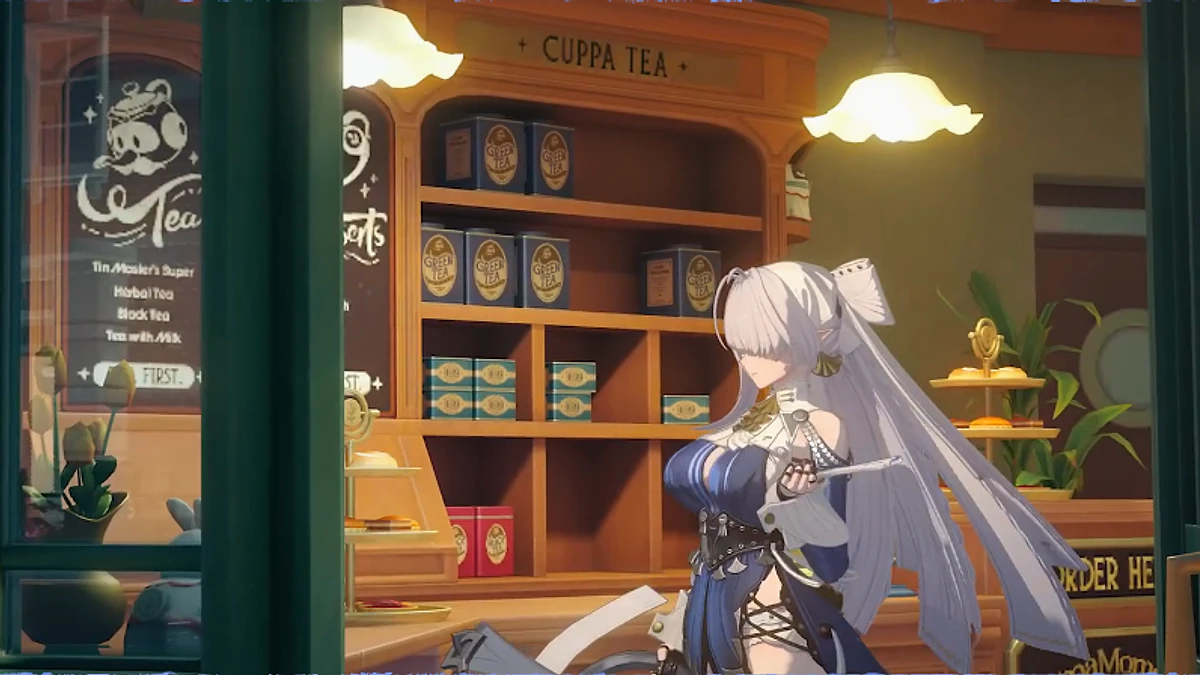
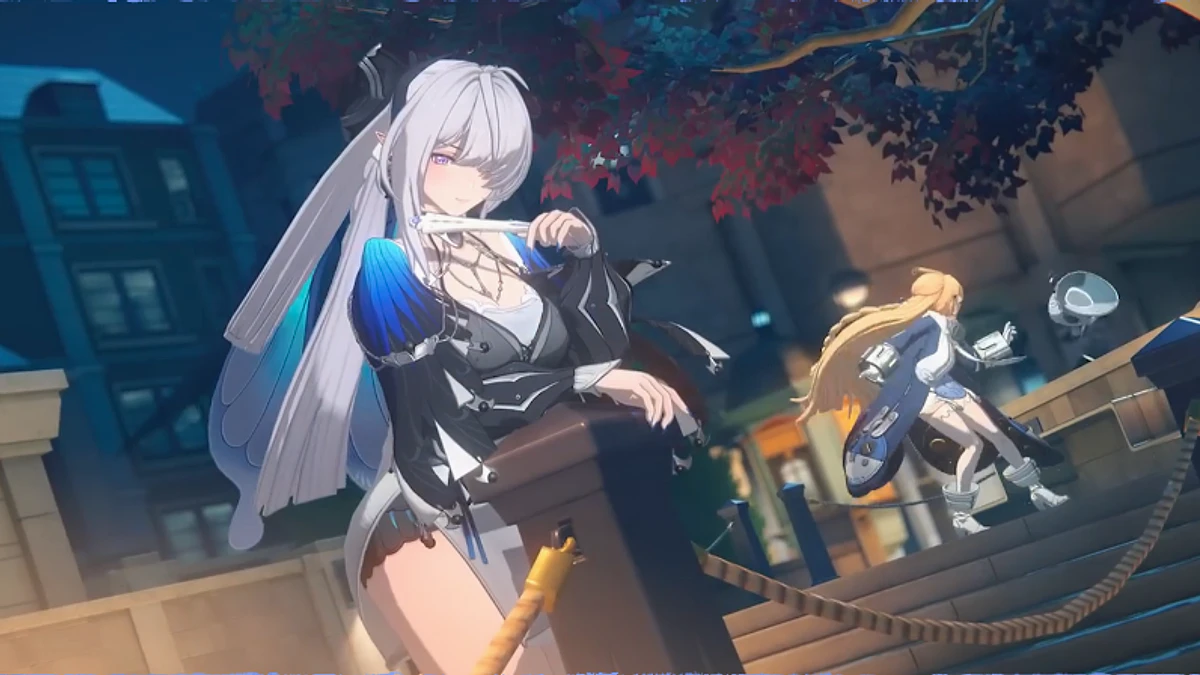
One supplied gameplay clip and four campaign artworks. Select an item to view it in the main frame
Check before installing
PC requirements at a glance
The official storage guidance gives a 61 GB final installation and another 61 GB for decompression. The hardware article covers the separate CPU, memory and graphics checks
Current HoYoverse storage guidance
Needed during decompression
Reserve both amounts on the same drive
| Check | Current answer | What to do |
|---|---|---|
| Operating system | Windows PC | Confirm that the final page still shows PC or Windows |
| Launcher route | HoYoPlay | Avoid old installer mirrors |
| Game price | Free to play | Remember that optional purchases still exist |
| Free drive space | 122 GB before install | Keep extra room for later updates |
Accuracy note: The storage figures come from current HoYoverse guidance. Launcher details can change, so read the live prompt before downloading.
Shortest checked route
Download guide
Read the current HoYoPlay page for the Windows route. Check your hardware in the related RigCircuit guide before installing
- 01Check the route
Confirm that the official HoYoPlay page still identifies Zenless Zone Zero and Windows PC.
- 02Check the drive
Keep at least 122 GB free before the download and leave extra room for later updates.
- 03Read the installer prompt
Review the launcher, region and product details before you start the installer.
- 04Confirm the price
The base game is free to play, but optional in-game purchases still exist.
The next guide opens on RigCircuit and covers the related PC check.
In a hurry? The gallery, PC requirements and download guide above contain the essential answer. Keep reading for the evidence, limits and practical checks.
Source-led route
Zenless Zone Zero is free to play on Windows through HoYoPlay, with optional in-game purchases. Reserve 122 GB before installation because HoYoverse lists 61 GB for the game and another 61 GB while files are decompressed.
RigCircuit checked the current pages but did not complete the installer or first launch. Use the live product page for details that can change after this review.
Section 01
How the Windows route was identified
HoYoverse's Zenless Zone Zero page[1] displayed a HoYoPlay download for PC when checked on October 4, 2026. That first-party page is the reference for the current launcher. An installer mirror or an old update tutorial cannot establish the route today.
| Check | What you should see |
|---|---|
| Game | Zenless Zone Zero |
| Platform | PC or Windows |
| Current launcher route | HoYoPlay |
| Price | Free to play |
The related RigCircuit PC requirements guide covers hardware tiers and storage. Use HoYoverse's first-party page for the current HoYoPlay download after those checks.
Section 02
Is Zenless Zone Zero free on PC
Yes. The Epic Games Store FAQ[2] describes the base game as free to play and in-game purchases as optional. Free access does not mean that every character, item or currency is included.
No button on this page promises a reward pack, free currency or a guaranteed bonus. Any such claim would need its own current source and offer terms.


Action plan
Make room before the download
HoYoverse's storage guidance[5] separates the 61 GB installation from 61 GB of temporary decompression space. Both amounts need to fit on the installation drive during setup. Keep an additional reserve for later updates rather than planning to finish with a completely full drive.
For CPU, memory and graphics checks, use Zenless Zone Zero PC requirements and visual feature hardware tiers. A minimum specification is a compatibility floor, not a promise of smooth performance at every setting.
Section 04
Check what can still change
- Current launcher version and installer filename
- Region shown on the final product page
- Space requested by the live launcher
- Account and sign-in options shown during first launch
- Any permissions requested by the installer
Record these details before troubleshooting. They identify the route you actually used without relying on an older screenshot.


Evidence record
Keep a useful first-launch record
After installation, note the HoYoPlay version, game client version and drive used. If an update or launch fails later, copy the exact error message before changing files or settings.
For help planning the opening sessions, continue with Zenless Zone Zero beginner guide for a clean first progression route. That guide covers progression rather than installation.
Evidence library
Sources checked for this article
This library preserves source titles, publishers and check dates. Original URLs remain in the editorial record.
- Zenless Zone Zero official siteHoYoverse · Checked October 4, 2026Reference on file
- Zenless Zone Zero FAQEpic Games Store · Checked October 4, 2026Reference on file
- Zenless Zone ZeroEpic Games Store · Checked October 4, 2026Reference on file
- Minimum device requirements for Zenless Zone ZeroHoYoverse Help Center · Checked October 3, 2026Reference on file
- What are the storage requirements for Zenless Zone ZeroHoYoverse Help Center · Checked October 3, 2026Reference on file

Keep exploring
Related articles


Read next
Continue with the next route
